
Discover the top secure Linux distributions for enterprises, governments, banks, and military use. From RHEL to Ubuntu LTS, explore hardened options offering long-term support, certifications, and superior security over traditional setups.
In an era of escalating cyber threats, ransomware campaigns, and strict regulatory demands, organizations—from global banks and government agencies to defense contractors—are reevaluating their operating system choices. Windows has long dominated desktops and many enterprise environments, but its widespread use makes it a prime target for attackers, and licensing costs can add up quickly at scale.
Linux, by contrast, powers the majority of the world’s servers, supercomputers, and cloud infrastructure, thanks to its open-source foundation, granular permissions, and rapid patching. Major institutions have already made the switch: the U.S. Department of Defense relies on hardened Linux variants for critical systems, French and Indian government bodies deploy Ubuntu-based solutions across thousands of workstations, and financial giants use enterprise-grade distributions to meet compliance standards like FIPS and Common Criteria.
This guide examines the leading Linux distributions built for high-stakes environments. We focus on options that deliver rock-solid stability, extended security support, advanced hardening features, and compatibility with enterprise tools—ideal whether you’re migrating a large government network, securing a banking infrastructure, or hardening military-grade workstations.
Linux vs. Windows in Enterprise and High-Security Environments
Why Linux Often Outshines Windows for Corporate, Government, and Regulated Use Cases
For organizations handling sensitive data or operating under strict compliance rules, the choice between Linux and Windows comes down to architecture, threat exposure, and operational realities.
Windows remains dominant on desktops because of its familiarity, broad software ecosystem, and tight integration with tools like Microsoft 365 and Active Directory. However, its large market share makes it the primary target for malware authors—ransomware groups and nation-state actors prioritize exploits that hit the most systems. Built-in defenses like Windows Defender, BitLocker, and Secure Boot have improved dramatically, but misconfigurations, legacy dependencies, and patch delays remain common pain points in large deployments.
Linux flips the equation in several key ways. Its permission model (root vs. user separation) limits damage from compromised applications far more effectively than Windows’ traditional structure. Features like SELinux (mandatory access controls) and AppArmor confine processes tightly, reducing the blast radius of exploits. Open-source code allows independent audits and faster community-driven fixes, while enterprise editions provide predictable, decade-long support cycles without forced upgrades.
In regulated sectors, Linux distributions frequently carry certifications that align with government and financial standards—FIPS 140-2/3 for cryptographic modules, Common Criteria evaluations, and STIG-compliant hardening guides. Cost is another factor: no per-seat licensing means predictable budgeting for servers and workstations alike, and many distros run efficiently on older hardware.
Quick Comparison: Linux vs. Windows for High-Security Use
- Attack Surface — Windows: Larger due to market dominance and legacy code; Linux: Smaller footprint, fewer commodity threats.
- Privilege Model — Windows: Improving with features like Credential Guard; Linux: Inherently stricter (user namespaces, SELinux/AppArmor).
- Patch & Support — Windows: Frequent but sometimes disruptive; Linux enterprise: Long-term (5–10+ years), backported fixes, live kernel patching.
- Certifications — Windows: Strong in Microsoft ecosystem compliance; Linux: Often leads in FIPS, Common Criteria for defense/finance.
- Cost at Scale — Windows: High licensing + CALs; Linux: Free core + optional paid support.
- Best For — Windows: Legacy apps, Office-heavy workflows; Linux: Servers, cloud, regulated/high-confidentiality environments.
In short, while Windows suits many everyday business needs, Linux distributions excel where confidentiality, uptime, and auditability are non-negotiable—making them the go-to for banks securing transactions, governments protecting citizen data, and militaries running mission-critical operations.
Top Secure Linux Distributions for Enterprise and Regulated Use
If you’re evaluating options at a glance—whether for a government agency, bank, military contractor, or small business migration—this table highlights the key differentiators across support, security hardening, target environments, and cost model. All are production-proven in high-stakes settings and offer advantages over Windows in attack surface reduction, compliance alignment, and long-term predictability.
| Distribution | Base / Type | Security Hardening | Support Duration | Key Certifications / Features | Best For | Cost Model |
|---|---|---|---|---|---|---|
| Red Hat Enterprise Linux (RHEL) | Commercial Enterprise | SELinux (enforcing), live kernel patching, trusted supply chain | Up to 10+ years (full + extended) | FIPS 140-3, Common Criteria, DISA STIG, post-quantum crypto | Large-scale government, military, banks, hybrid cloud | Paid subscription (free developer tier) |
| Ubuntu LTS | Community + Commercial | AppArmor, full disk encryption, automated hardening | 5 years standard; up to 15 years with Pro/ESM | FIPS, CIS benchmarks, DISA STIG, FedRAMP alignment | Institutions, governments (e.g., France, India), cloud/banks | Free; paid Pro for extended support |
| SUSE Linux Enterprise Server (SLES) | Commercial Enterprise | Automated hardening, live patching, reproducible builds | Long predictable cycles (typically 10+ years) | Common Criteria EAL4+, high-availability clustering | European enterprises, regulated finance/government, hybrid Windows integration | Paid subscription |
| Rocky Linux | RHEL-compatible, Community | SELinux support, FIPS modules, signed builds | 10 years per major release | Full RHEL binary compatibility, compliance tooling | Cost-sensitive governments/banks needing RHEL stability | Free (optional paid partner support) |
| Fedora | Community (RHEL upstream) | SELinux enforcing by default, modern kernel hardening | ~13 months per release (frequent but tested) | Early security innovations, container tools | Military/dev/research, technical migrations to enterprise | Free |
| Debian | Community Stable | Hardened packages, conservative updates, AppArmor support | 5+ years (stable branch + extended LTS options) | Minimal attack surface, auditability | Government servers, banks emphasizing confidentiality | Free |
| AlmaLinux | RHEL-compatible, Community | SELinux, FIPS 140-3, OpenSCAP compliance | 10+ years per major release | RHEL compatibility, signed builds | Regulated finance/government avoiding vendor lock-in | Free (optional commercial support) |
| Zorin OS | Ubuntu LTS-based Desktop | Inherited Ubuntu security (AppArmor, regular patches) | Matches Ubuntu LTS (5–10+ years) | Malware resistance, no telemetry, easy encryption | Small/medium businesses, Windows-like desktop migrations | Free (Core edition); paid Pro features |
This snapshot helps narrow choices based on your priorities: enterprise certifications and paid support (RHEL/SLES), free RHEL compatibility (Rocky/AlmaLinux), broad accessibility (Ubuntu/Zorin), or maximum stability with minimalism (Debian). Dive into the detailed sections below for deeper insights on each.
1. Red Hat Enterprise Linux (RHEL)
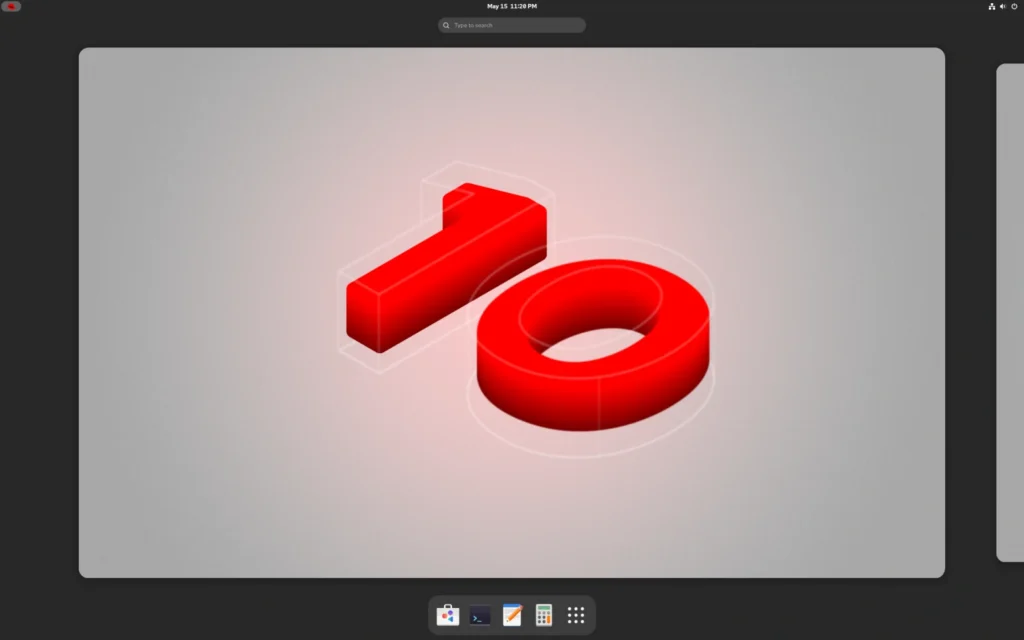
The Gold Standard for Enterprise and Government Deployments
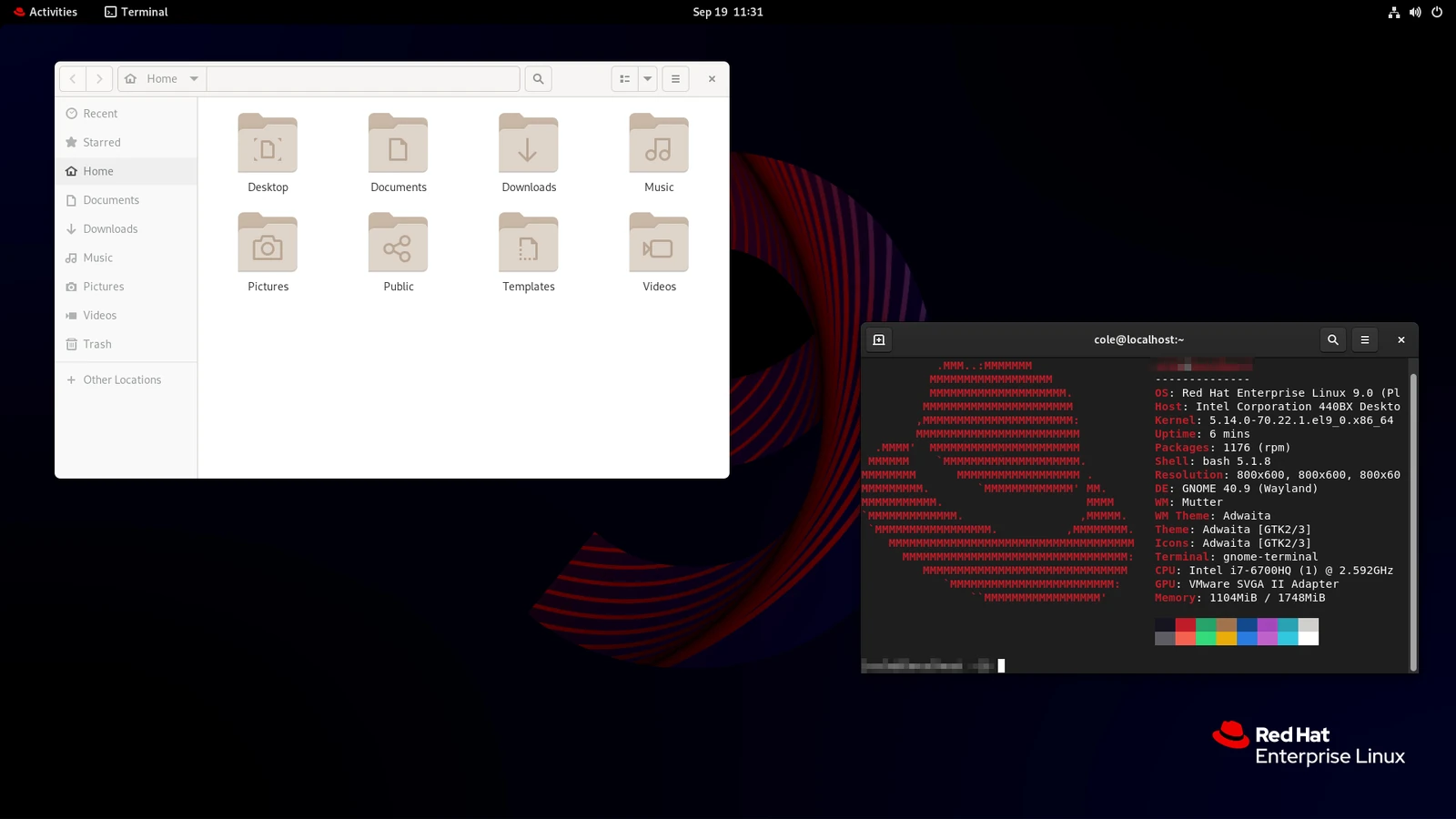
Red Hat Enterprise Linux stands as the most widely adopted commercial Linux distribution in high-stakes environments. It powers critical infrastructure for the U.S. Department of Defense, numerous federal agencies, major global banks, and Fortune 500 companies. RHEL’s dominance stems from its predictable, decade-long support cycles, rigorous security hardening, and deep ecosystem integration.
At its core, RHEL includes SELinux (Security-Enhanced Linux) for mandatory access control, confining processes and limiting exploit damage even if a vulnerability is present. It carries FIPS 140-2/3 validated cryptographic modules, Common Criteria certifications, and compliance tooling that aligns with standards like DISA STIGs for military use and PCI DSS for finance. Features such as live kernel patching allow security fixes without reboots, while post-quantum cryptography (introduced in RHEL 10) prepares systems for future threats. Red Hat also provides a trusted software supply chain with signed builds and continuous vulnerability monitoring.
Support extends up to 10 years (full, maintenance, and extended phases), with options for add-ons like extended life cycles. This makes RHEL ideal for large-scale migrations where downtime is unacceptable and compliance audits are routine. Organizations benefit from Red Hat’s commercial backing, including 24/7 enterprise support, certified hardware/software compatibility, and hybrid cloud tools that bridge on-prem and public cloud workloads.
Key Technical Features
| Feature | Details |
|---|---|
| Base / Type | Commercial Enterprise |
| Security Hardening | SELinux (enforcing), live kernel patching, trusted supply chain |
| Support Duration | Up to 10+ years (full + extended) |
| Key Certifications / Features | FIPS 140-3, Common Criteria, DISA STIG, post-quantum crypto |
| Best For | Large-scale government, military, banks, hybrid cloud |
| Cost Model | Paid subscription (free developer tier) |
👉 Download or Learn More at the Official Red Hat Enterprise Linux Site
2. Ubuntu LTS
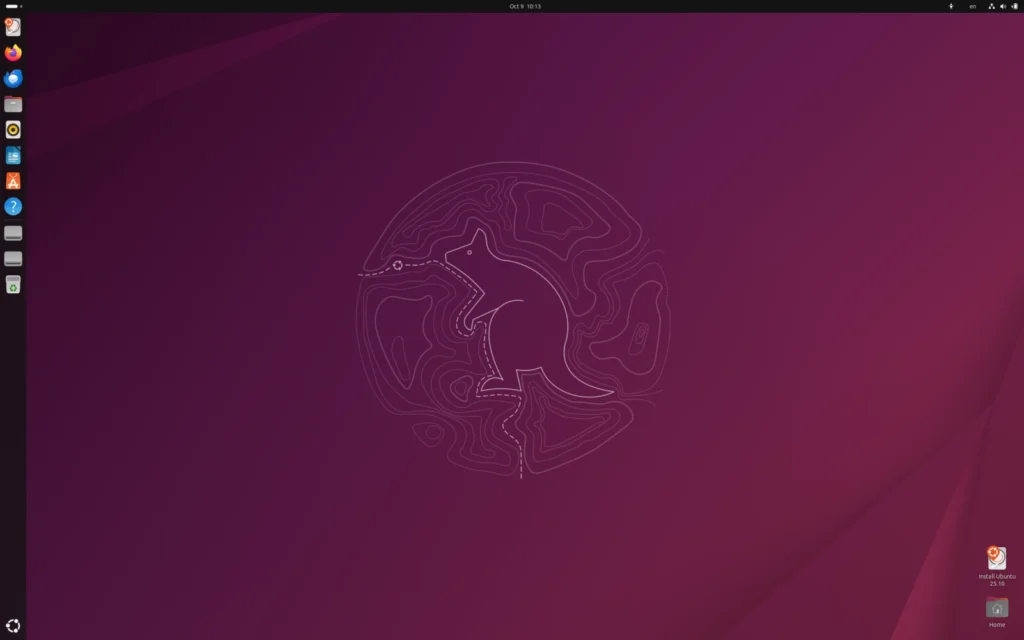
The Accessible Enterprise Choice with Broad Government Adoption
Ubuntu Long Term Support (LTS) releases have become a go-to for public-sector and institutional migrations thanks to their balance of usability, vast software ecosystem, and robust security. Governments in France (via extensive Gendarmerie and ministry deployments) and India (including justice systems and large-scale e-governance projects) have standardized on Ubuntu LTS for thousands of workstations and servers.
Security relies on AppArmor for application confinement, built-in firewall tools, and regular kernel hardening. Canonical’s Ubuntu Pro subscription extends security maintenance to 10 years standard (with ESM), and recent updates push this to up to 15 years total via Legacy add-ons—perfect for regulated sectors like finance, healthcare, and government that run systems for a decade or more. The distribution excels in cloud environments (native images on AWS, Azure, Google Cloud) and offers seamless Active Directory integration for hybrid Windows-Linux setups.
Ubuntu’s GNOME-based desktop is intuitive for users transitioning from Windows, reducing training costs in office environments, while its server edition dominates containerized and edge deployments. It’s particularly strong for banks needing cloud-native security and rapid scaling.
Key Technical Features
| Feature | Details |
|---|---|
| Base / Type | Community + Commercial |
| Security Hardening | AppArmor, full disk encryption, automated hardening |
| Support Duration | 5 years standard; up to 15 years with Pro/ESM |
| Key Certifications / Features | FIPS, CIS benchmarks, DISA STIG, FedRAMP alignment |
| Best For | Institutions, governments (e.g., France, India), cloud/banks |
| Cost Model | Free; paid Pro for extended support |
3. SUSE Linux Enterprise Server (SLES)
Stability-Focused Enterprise Linux with Strong Regulated-Sector Fit
SUSE Linux Enterprise Server targets mission-critical workloads in data centers, clouds, and edge environments, with a reputation for rock-solid reliability—especially in European enterprises, banks, and government agencies. It supports high-availability clustering, real-time extensions for financial trading systems, and optimizations across architectures like x86, ARM, IBM Power, and Z.
Security highlights include Common Criteria EAL4+ certification, reproducible builds for supply-chain trust, live patching (no-reboot updates across all editions), and automated hardening profiles. SLES integrates tightly with Windows environments through Active Directory support and identity management tools, easing hybrid migrations. Its long, predictable lifecycle aligns with long-term IT planning in regulated industries.
SUSE positions itself as AI-ready and digital-sovereignty friendly, making it suitable for banks requiring continuous operations and governments prioritizing transparent, auditable software.
Key Technical Features
| Feature | Details |
|---|---|
| Base / Type | Commercial Enterprise |
| Security Hardening | Automated hardening, live patching, reproducible builds |
| Support Duration | Long predictable cycles (typically 10+ years) |
| Key Certifications / Features | Common Criteria EAL4+, high-availability clustering |
| Best For | European enterprises, regulated finance/government, hybrid Windows integration |
| Cost Model | Paid subscription |
👉 Download SUSE Linux Enterprise Server
4. Rocky Linux
Enterprise-Grade Stability Without the Vendor Lock-In

Rocky Linux emerged as a community-driven, 100% bug-for-bug compatible replacement for RHEL following the CentOS shift to Stream. It delivers the same enterprise stability, security tooling, and ecosystem compatibility—meaning applications, certifications, and hardening guides built for RHEL work seamlessly on Rocky.
It offers a 10-year support lifecycle with regular security updates, full compatibility with RHEL’s package ecosystem, and no licensing fees. This makes it attractive for governments, banks, and organizations that want RHEL-level reliability and compliance (FIPS, SELinux support) but prefer to avoid commercial subscriptions or vendor dependencies. Community backing through the Rocky Enterprise Software Foundation ensures long-term viability, with optional paid support from partners.
Rocky is production-ready for servers, virtualization hosts, and regulated workloads where cost control and independence matter.
Key Technical Features
| Feature | Details |
|---|---|
| Base / Type | RHEL-compatible, Community |
| Security Hardening | SELinux support, FIPS modules, signed builds |
| Support Duration | 10 years per major release |
| Key Certifications / Features | Full RHEL binary compatibility, compliance tooling |
| Best For | Cost-sensitive governments/banks needing RHEL stability |
| Cost Model | Free (optional paid partner support) |
5. Fedora
Cutting-Edge Security and Innovation Upstream of Enterprise Linux
Fedora serves as the community-driven proving ground for many features that later appear in Red Hat Enterprise Linux, making it a strong choice for development teams, research labs, and forward-leaning military or government projects that need the latest security advancements without waiting for full enterprise stabilization. SELinux is enabled and enforcing by default, providing mandatory access controls that confine processes tightly— a capability originally developed with input from the NSA and now a cornerstone for environments requiring high confidentiality, such as classified systems or defense research.
Fedora delivers frequent but tested updates, balancing innovation with stability through rigorous community testing. It includes modern kernel hardening, container security tools, and early adoption of post-quantum cryptography elements. While not a long-term support distro like RHEL (typically 13-month cycles per release), its predictable semi-annual cadence and direct path to enterprise hardening make it ideal for technical users migrating from Windows who want a desktop that’s secure out of the box and prepares them for production RHEL deployments.
Fedora’s Workstation edition offers a polished GNOME experience that’s approachable for Windows users, with excellent hardware support and developer tooling—perfect for secure coding, testing, or prototyping in regulated settings before scaling to enterprise variants.
Key Technical Features
| Feature | Details |
|---|---|
| Base / Type | Community (RHEL upstream) |
| Security Hardening | SELinux enforcing by default, modern kernel hardening |
| Support Duration | ~13 months per release (frequent but tested) |
| Key Certifications / Features | Early security innovations, container tools |
| Best For | Military/dev/research, technical migrations to enterprise |
| Cost Model | Free |
6. Debian
The Rock-Solid Foundation for Long-Term Stability and Servers
Debian is one of the oldest and most respected Linux distributions, serving as the base for countless enterprise and server deployments worldwide. Its conservative release cycle—prioritizing exhaustive testing over speed—delivers exceptional predictability, making it a favorite for government servers, banking backends, and any environment where unexpected changes could disrupt operations or introduce risk.
Security is baked in through rigorous vetting of packages, conservative kernel updates, and strong emphasis on confidentiality via features like hardened compilers, address space layout randomization, and support for AppArmor profiles. Debian’s stable branch receives security patches for years (often 5+ with extended LTS via partners), and its vast repository ensures broad software availability without compromising baseline integrity. Many public-sector and financial institutions rely on Debian for its transparency, auditability, and resistance to supply-chain surprises.
For migrations, Debian’s installer is straightforward, and its minimalism reduces attack surface—ideal for headless servers or workstations in regulated sectors that value longevity and minimal maintenance overhead over flashy desktops.
Key Technical Features
| Feature | Details |
|---|---|
| Base / Type | Community Stable |
| Security Hardening | Hardened packages, conservative updates, AppArmor support |
| Support Duration | 5+ years (stable branch + extended LTS options) |
| Key Certifications / Features | Minimal attack surface, auditability |
| Best For | Government servers, banks emphasizing confidentiality |
| Cost Model | Free |
7. AlmaLinux
RHEL-Compatible Enterprise Linux Without Vendor Lock-In
AlmaLinux provides a 1:1 binary-compatible alternative to Red Hat Enterprise Linux, delivering the same enterprise stability, security tooling, and ecosystem compatibility in a community-owned, forever-free package. Launched in response to the CentOS shift, it has become a go-to for organizations seeking RHEL-level reliability—SELinux support, FIPS 140-3 validated modules (on the NIST list for recent versions), OpenSCAP compliance scanning, and signed builds—without commercial licensing costs.
Support extends to 10+ years per major release (e.g., AlmaLinux 9 through 2032), with regular security errata and optional paid tiers from partners like TuxCare for extended patching, kernel live updates, and compliance hardening. This makes it well-suited for regulated environments in finance, government, and healthcare, where binary compatibility ensures seamless use of RHEL-certified applications and tools while avoiding vendor dependencies.
AlmaLinux excels in production servers, virtualization hosts, and hybrid clouds, offering predictable budgeting and independence for long-term deployments.
Key Technical Features
| Feature | Details |
|---|---|
| Base / Type | RHEL-compatible, Community |
| Security Hardening | SELinux, FIPS 140-3, OpenSCAP compliance |
| Support Duration | 10+ years per major release |
| Key Certifications / Features | RHEL compatibility, signed builds |
| Best For | Regulated finance/government avoiding vendor lock-in |
| Cost Model | Free (optional commercial support) |
8. Zorin OS
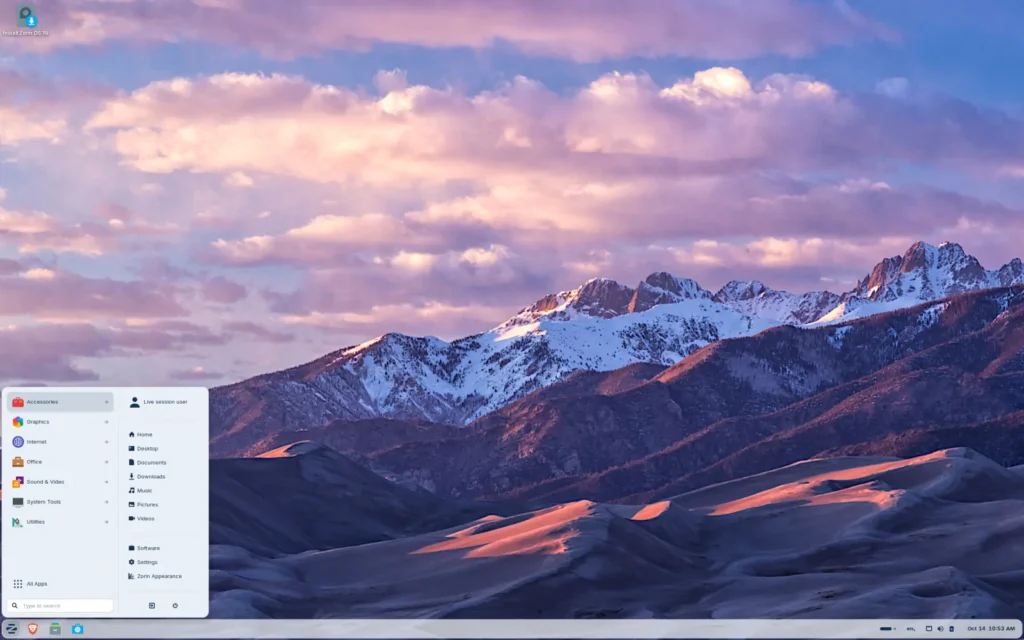
The User-Friendly Desktop Upgrade for Small Businesses and Windows Migrants
Zorin OS stands out as an approachable Linux option for small and medium-sized enterprises (PYMEs) or departments that want stronger security than Windows without diving into complex enterprise setups. Built on Ubuntu LTS, it inherits long-term support (security updates through at least 2029 for recent releases) and a massive ecosystem, while delivering an interface that closely mirrors Windows or macOS—complete with familiar layouts, taskbar behaviors, and easy file compatibility.
Security benefits include Linux’s inherent resistance to traditional Windows malware, quick upstream patches, no telemetry collection, and built-in tools like firewall and encryption. Zorin Core edition is free, runs efficiently on older hardware (extending device lifespan significantly), and comes preloaded with productivity apps like LibreOffice for seamless handling of Microsoft documents. It’s particularly effective for office rollouts where training costs matter, and Windows 10’s end-of-support has driven massive adoption—Zorin OS 18 crossed 2 million downloads in under three months in early 2026, with the majority from Windows users seeking a stable, low-maintenance alternative.
For PYMEs not facing extreme regulatory demands, Zorin provides a practical, cost-free step up in privacy, stability, and malware protection.
Key Technical Features
| Feature | Details |
|---|---|
| Base / Type | Ubuntu LTS-based Desktop |
| Security Hardening | Inherited Ubuntu security (AppArmor, regular patches) |
| Support Duration | Matches Ubuntu LTS (5–10+ years) |
| Key Certifications / Features | Malware resistance, no telemetry, easy encryption |
| Best For | Small/medium businesses, Windows-like desktop migrations |
| Cost Model | Free (Core edition); paid Pro features |
Choosing Your Path Forward: Secure Linux for Every Organization
Selecting the right Linux distribution depends on your scale, compliance needs, and migration priorities, but the options here cover the spectrum—from full enterprise heavyweights like RHEL and SLES to community-powered stability in Rocky and AlmaLinux, innovative upstream security in Fedora, timeless server reliability in Debian, broad accessibility in Ubuntu LTS, and desktop-friendly ease in Zorin OS. Each brings hardened features, long support horizons, and cost advantages over Windows in high-stakes or regulated settings. Start with a pilot on non-critical systems, evaluate hardware compatibility and app needs, and lean on official documentation or partners for deployment— the switch to Linux can deliver superior security, predictability, and control for years to come.