Tired of Chrome eating up your RAM? These seven lightweight browser alternatives offer faster performance, better efficiency, and lower memory usage—ideal for heavy multitaskers and older PCs.
If you’ve ever opened Task Manager and watched Google Chrome chew through gigabytes of RAM with only a handful of tabs open, you’re definitely not alone. High memory usage is one of the most common complaints among Chrome users—especially on laptops, budget systems, or older PCs where RAM is limited. While Chrome remains the world’s most popular browser thanks to its speed, massive extension ecosystem, and deep Google integration, its resource demands can noticeably slow down your system, drain battery life, and frustrate even experienced users.
The good news is that you’re not locked into Chrome. There are several excellent browser alternatives that offer similar compatibility—many of them built on the same open-source Chromium engine—while using significantly less memory. These browsers often include smarter tab management, built-in ad blocking, and privacy-focused features that reduce background activity and keep RAM usage under control. Whether you routinely juggle dozens of tabs for work or simply want smoother everyday browsing, switching browsers can genuinely make your system feel faster and more responsive.
In this roundup, we’ll highlight seven standout Chrome alternatives known for their lower RAM usage, based on real-world testing, user feedback, and performance trends heading into 2026.
Why Does Chrome Use So Much RAM?
Google Chrome’s reputation as a memory hog isn’t accidental—it’s the result of deliberate design choices. Chrome relies on a multi-process architecture that prioritizes stability, security, and performance over raw efficiency. Instead of running everything in a single process (as older browsers once did), Chrome isolates each tab, extension, and plugin into its own separate process. This approach—often referred to as site isolation—helps prevent one misbehaving tab from crashing the entire browser and improves security by sandboxing potentially malicious content.
The downside is overhead. Each process needs its own chunk of memory for code execution, data storage, and background tasks. Open 10 to 20 tabs—perfectly normal for many users—and memory usage can balloon rapidly, especially if those tabs contain heavy JavaScript, ads, embedded video, or complex web apps. Extensions running persistent background scripts add another layer of consumption, while features like page prerendering and prediction further increase RAM usage to make browsing feel faster.
Google has made incremental improvements over the years, including better memory compression, tab discarding, and tools like Memory Saver. However, the core architecture remains resource-intensive by design. On systems with 16 GB of RAM or less, this often results in increased disk swapping, slower performance, and higher power consumption. It’s not a flaw so much as a trade-off—but for users with limited hardware or lighter workloads, browsers with more efficient memory management can be a far better fit.
7 Lightweight Chrome Alternatives That Use Less RAM in 2026
These seven browsers stand out for their efficient memory management while still delivering strong performance and modern features. Many are built on the Chromium engine, ensuring excellent site compatibility, but they apply smarter optimizations such as built-in ad blocking, tab hibernation, and streamlined background processes. In real-world multitasking scenarios with multiple tabs open, these browsers often use 20–40% less RAM than Chrome.
Whether you’re using a laptop with 16 GB of RAM or less, managing heavy multitasking workflows, or simply tired of Chrome’s aggressive resource consumption, these alternatives offer smoother browsing without unnecessary bloat.
1. Ungoogled Chromium
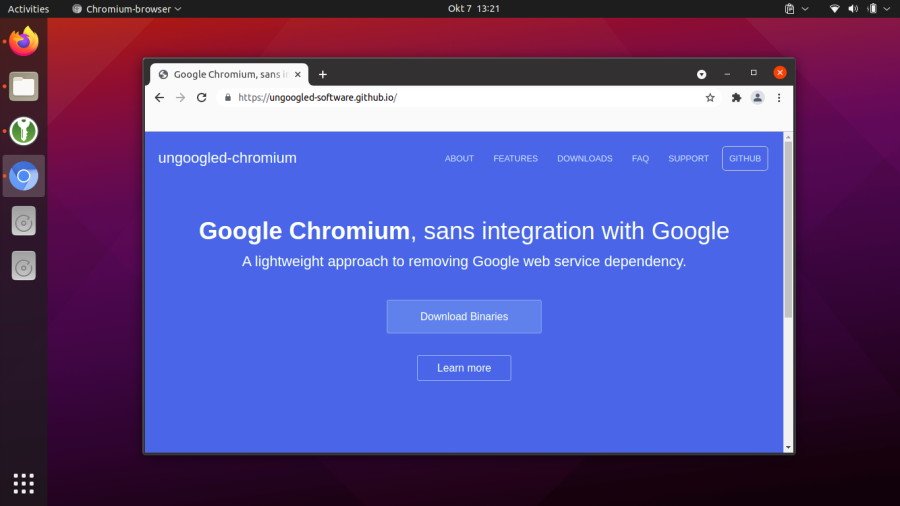
Ungoogled Chromium removes all Google services, tracking components, and background connections from standard Chromium, resulting in a cleaner, more minimal browser with noticeably lower RAM usage. It retains Chrome’s fast rendering engine and site compatibility while stripping away telemetry, sync services, and automatic integrations that quietly consume system resources.
Its emphasis on transparency gives users full control over privacy and behavior, making it an excellent choice for those who want Chrome-like performance without Google’s ecosystem or overhead.
Pros:
- Excellent privacy with no Google integration or tracking
- Fewer background processes, resulting in a smaller memory footprint
- Full compatibility with Chrome extensions
Con: Manual updates and no built-in sync (requires third-party solutions)
Ideal for: Privacy-focused users who want a bare-bones, efficient Chromium experience on midrange or older hardware.
2. Opera
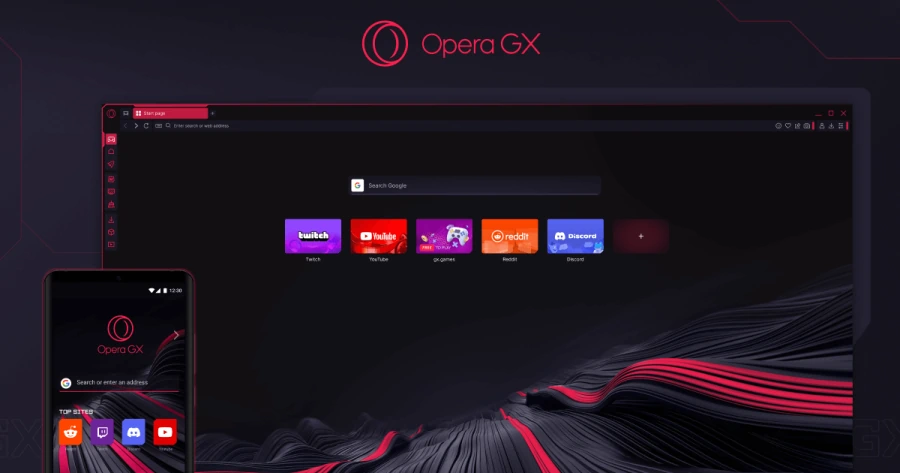
Opera has long been known for packing advanced features directly into the browser, including a built-in ad blocker, free VPN, and strong memory management tools. Its tab hibernation system helps prevent inactive tabs from consuming RAM, while the built-in ad blocker reduces the load caused by script-heavy ads and trackers.
Opera’s resource limiter—especially in the gaming-focused Opera GX—allows users to cap memory and CPU usage manually, ensuring stable performance during streaming, gaming, or heavy multitasking sessions.
Pros:
- Built-in VPN, ad blocker, and productivity-focused sidebar tools
- Low RAM usage thanks to aggressive tab management
- Customizable interface with many features built in
Con: Some bundled features (such as crypto tools) may feel unnecessary for minimalist users
Ideal for: Users who want an all-in-one browser with performance tools and extras without relying on multiple extensions.
3. Brave
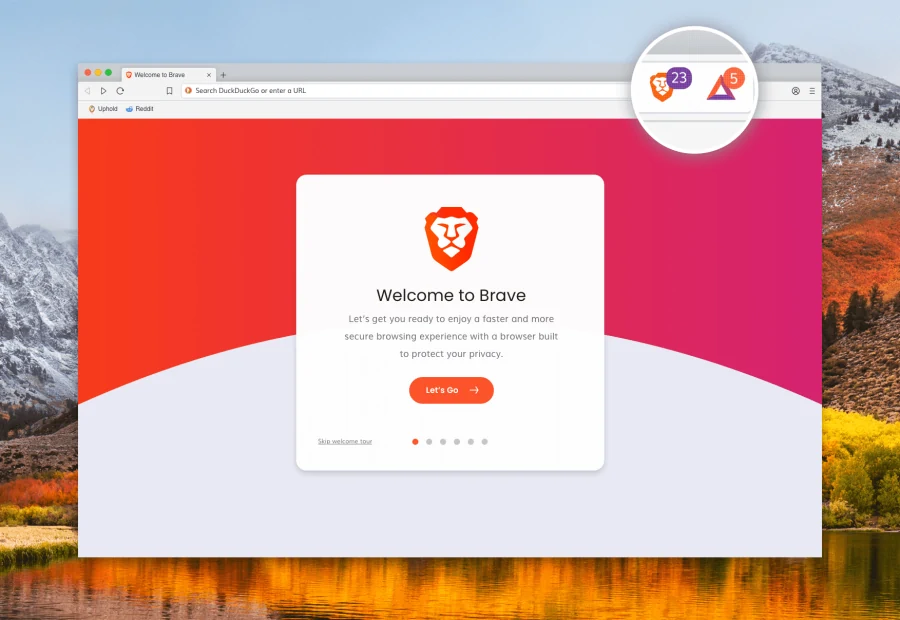
Brave is designed around privacy and performance, blocking ads, trackers, and third-party scripts by default. This approach directly reduces memory usage and CPU load, often resulting in 30–40% lower RAM consumption than Chrome on ad-heavy websites. Pages load faster, background activity is minimized, and battery life improves as a result.
While Brave includes optional crypto-based rewards for users who choose to view ads, these features are entirely opt-in and can be ignored without affecting the core browsing experience.
Pros:
- Built-in ad and tracker blocking reduces RAM usage and speeds up pages
- Fast performance with optional Tor-powered private tabs
- Full support for Chrome extensions
Con: Crypto-related features may be distracting for some users (though easy to disable or ignore)
Ideal for: Users who browse ad-heavy sites and want better speed, privacy, and efficiency without installing extra extensions.
4. Vivaldi
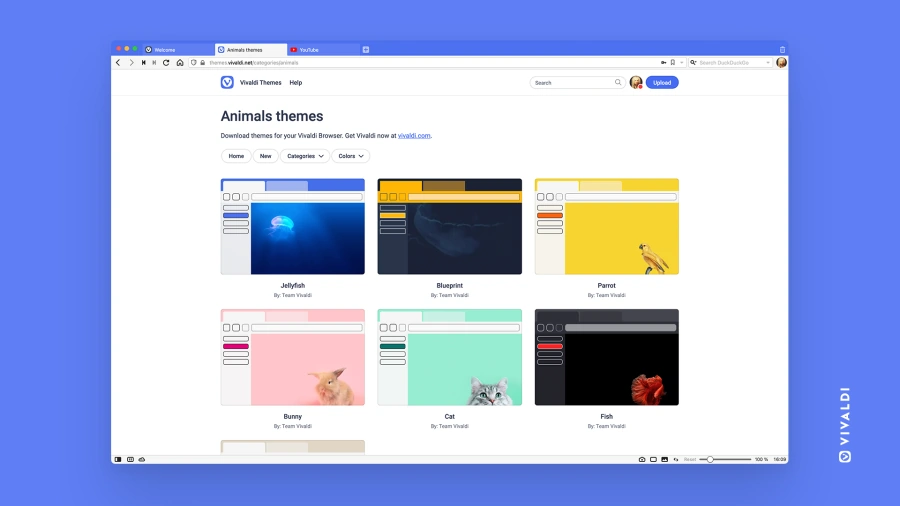
Created by former Opera developers, Vivaldi is one of the most customizable browsers available. Features like tab stacking, advanced tab grouping, and automatic hibernation for inactive tabs make it surprisingly efficient, even when dozens of tabs are open simultaneously.

Despite its feature-rich nature, Vivaldi manages system resources well on midrange hardware. Its deep customization options allow users to streamline workflows and reduce clutter, which can indirectly improve performance during long browsing sessions.
Pros:
- Extremely customizable UI, shortcuts, and tab management
- Built-in notes, web panels, and ad/tracker blocking
- Efficient memory handling for heavy tab users
Con: The sheer number of options can feel overwhelming for users who prefer simplicity
Ideal for: Power users who rely on complex tab workflows and customization without sacrificing RAM efficiency.
5. Microsoft Edge
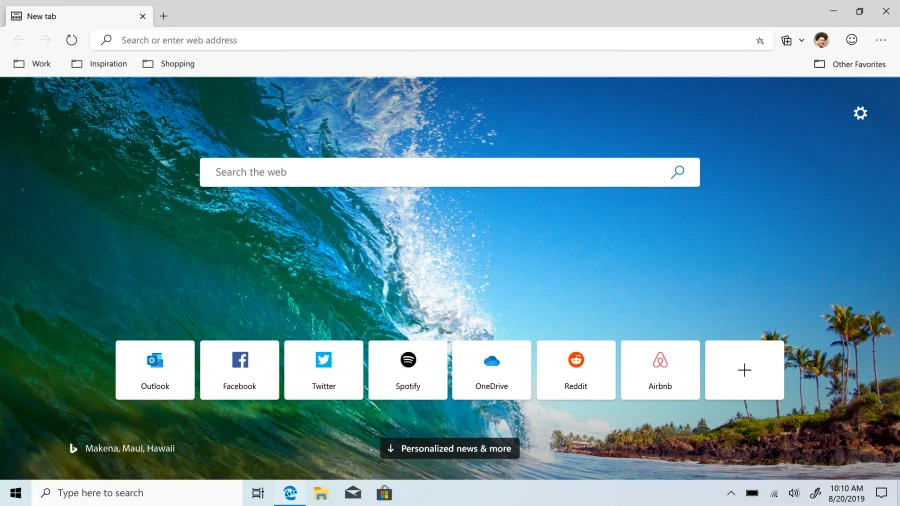
Microsoft Edge has matured into one of the most efficient Chromium-based browsers available today. Features like Sleeping Tabs, which automatically suspend inactive tabs, and Efficiency Mode, which throttles resource usage during heavy workloads or on battery power, make Edge surprisingly memory-friendly without compromising speed.
These adaptive efficiency tools intelligently limit background activity, helping reduce RAM consumption and extend battery life. Combined with Edge’s deep Windows integration, this makes it a particularly reliable choice for long work sessions on laptops and midrange PCs.
Pros:
- Built-in tab suspension and efficiency modes significantly reduce RAM usage
- Seamless integration with Windows 11 and Microsoft services
- Full support for Chrome extensions with excellent performance
Con: Occasional Microsoft account prompts and bundled features may not appeal to everyone
Ideal for: Windows users looking for a drop-in Chrome replacement with better resource management and longer battery life.
6. Mozilla Firefox
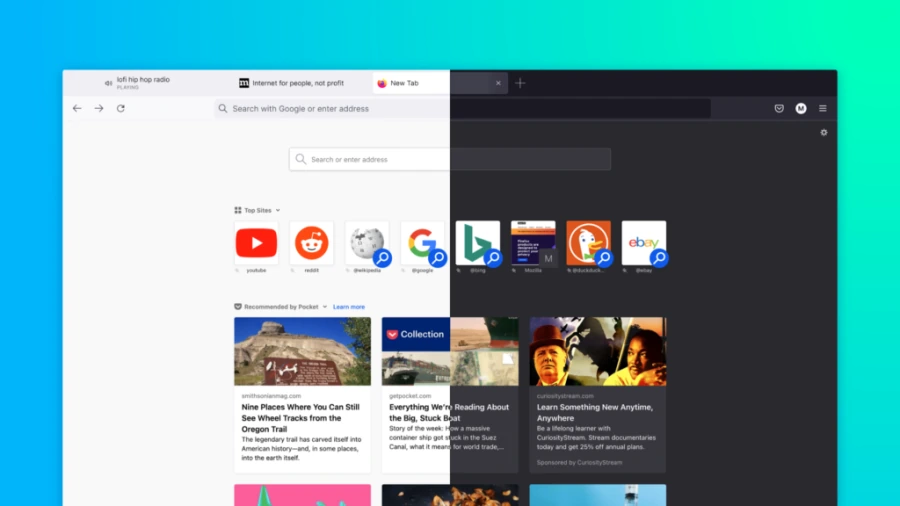
Firefox remains the most prominent non-Chromium browser, powered by its independent Gecko engine. Unlike Chromium’s aggressive multi-process model, Firefox consolidates resources more efficiently, often resulting in lower RAM usage—especially when managing large numbers of tabs.
With built-in tracker blocking, intelligent tab unloading, and strong adherence to open web standards, Firefox delivers a lighter, more controlled browsing experience. Its engine prioritizes efficient resource allocation without sacrificing flexibility or customization.
Pros:
- Independent engine with strong privacy and tracker protection
- Efficient handling of large tab sessions without excessive processes
- Highly customizable with a mature extension ecosystem
Con: Rare site compatibility issues compared to Chromium-based browsers (increasingly uncommon in 2026)
Ideal for: Users who value open-source software, browser diversity, and strong privacy without relying on Google’s ecosystem.
7. Thorium
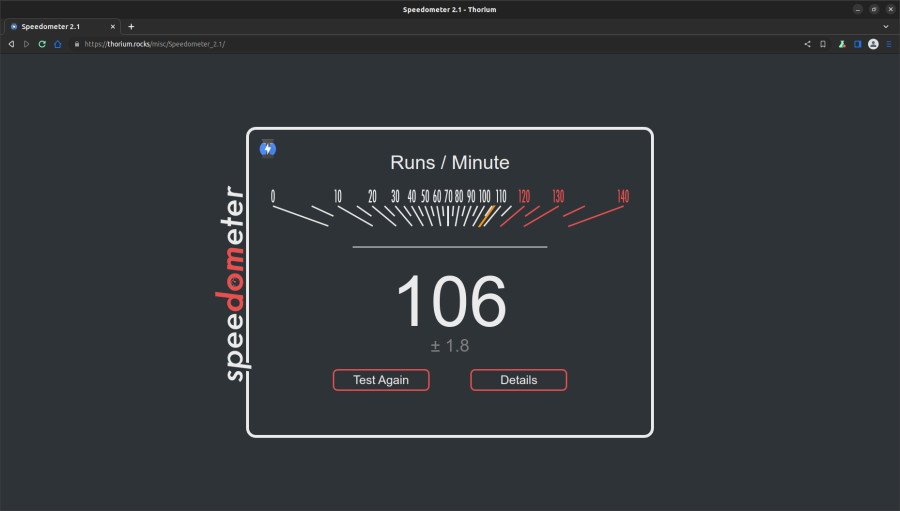
Thorium is a highly optimized Chromium fork compiled with advanced performance-focused patches and compiler flags. These optimizations reduce memory allocation, speed up JavaScript execution, and improve overall responsiveness, earning Thorium a reputation as one of the fastest and lightest Chromium-based browsers available.
By leveraging modern instruction sets and stripped-down defaults, Thorium delivers exceptional efficiency—especially on older or resource-constrained hardware—while preserving full compatibility with Chrome extensions and websites.
Pros:
- Outstanding speed and among the lowest RAM usage of any Chromium browser
- Optimized for older or midrange hardware without sacrificing features
- Full Chrome compatibility and extension support
Con: Manual updates and a less polished interface compared to mainstream browsers
Ideal for: Performance-focused users and owners of older laptops who want maximum speed with minimal resource overhead.
Is Google Chrome Broken?
No—Google Chrome isn’t broken. It remains the industry benchmark for speed, compatibility, and ecosystem support, trusted by billions of users worldwide. Its multi-process architecture delivers excellent stability and security, which is precisely why it dominates the browser market.
However, that same design comes with a trade-off: higher RAM usage that can feel excessive on systems with 16 GB of memory or less, particularly for users who keep many tabs open. The alternatives listed above show that you don’t have to accept that compromise. From Edge’s polished efficiency tools to Thorium’s raw performance, there’s a lighter browser for nearly every use case—often with better privacy and smarter resource management built in.
The best approach is simple: try one or two alongside Chrome. Import your bookmarks and extensions, run your typical workload, and compare memory usage in Task Manager. You may discover that switching browsers gives your system the breathing room it needs—without sacrificing the modern web experience you expect.