
NewPipe users are reporting videos not loading and “Content not available” errors. Here’s what’s causing the issue — and how to fix it.
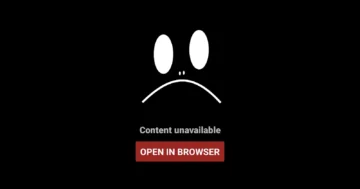
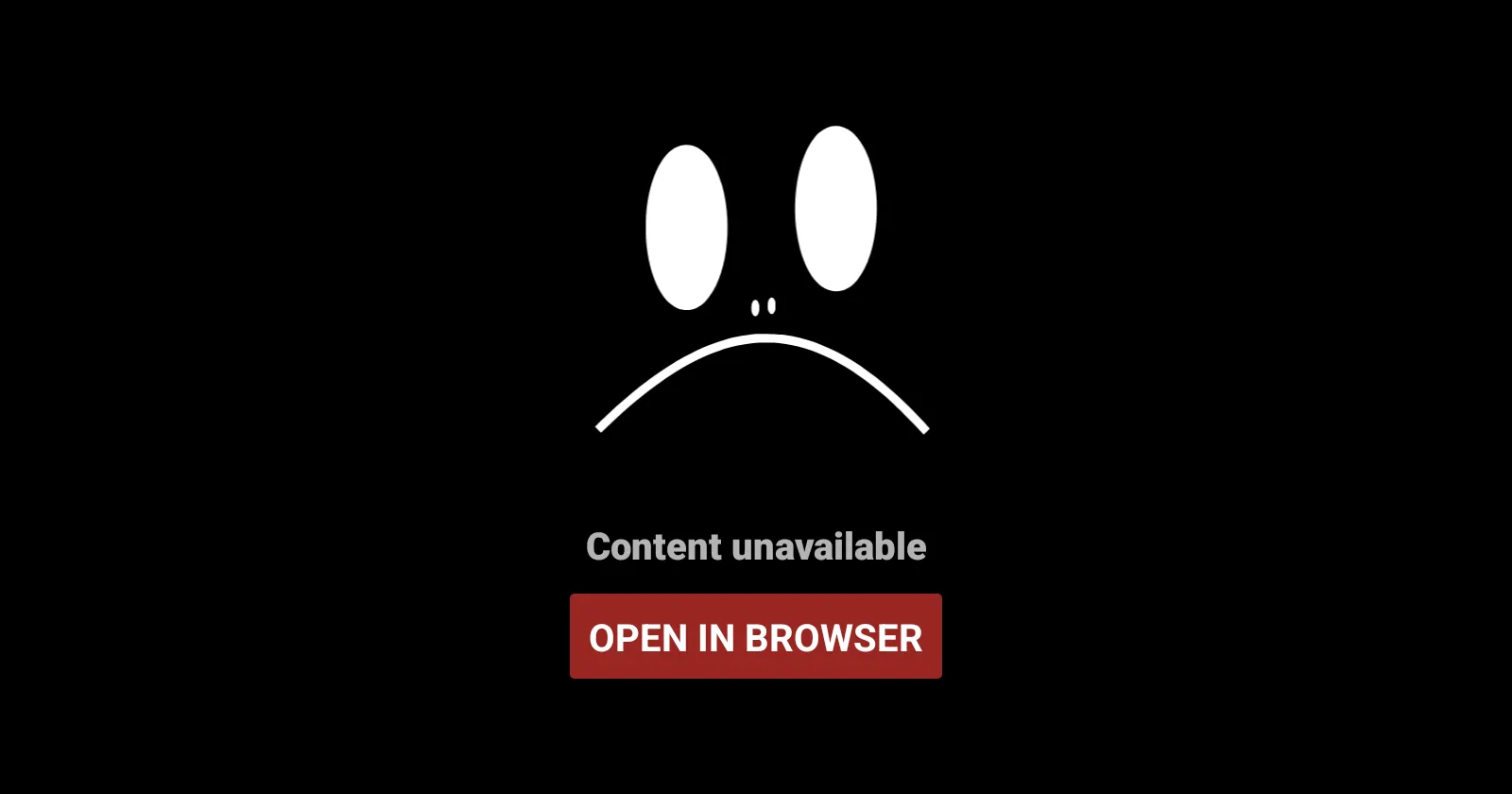
If you’re an Android user who relies on NewPipe as your go-to YouTube client, chances are you’ve run into a frustrating problem recently: videos simply refuse to play. Instead, you’re greeted by a blunt “Content not available” message, often across nearly every video you try to open.
Over the past week, this issue has sparked confusion and irritation across the NewPipe community. For some users, even videos they had watched just days earlier suddenly stopped working. Others reported playlists skipping tracks entirely or failing to load anything at all. For many, the only option left was the dreaded “Open in browser” button—hardly the experience people turn to NewPipe for.
The good news is that this isn’t a permanent failure, nor does it mean YouTube has decisively shut the door on NewPipe. This is a familiar pattern—one that’s played out before—and, once again, there’s already a fix available.
In this article, we’ll explain what NewPipe is and why it keeps running into these issues, what exactly went wrong this time, how the community reacted, and most importantly, how to get everything working again.
What Is NewPipe — and Why Do So Many People Use It?
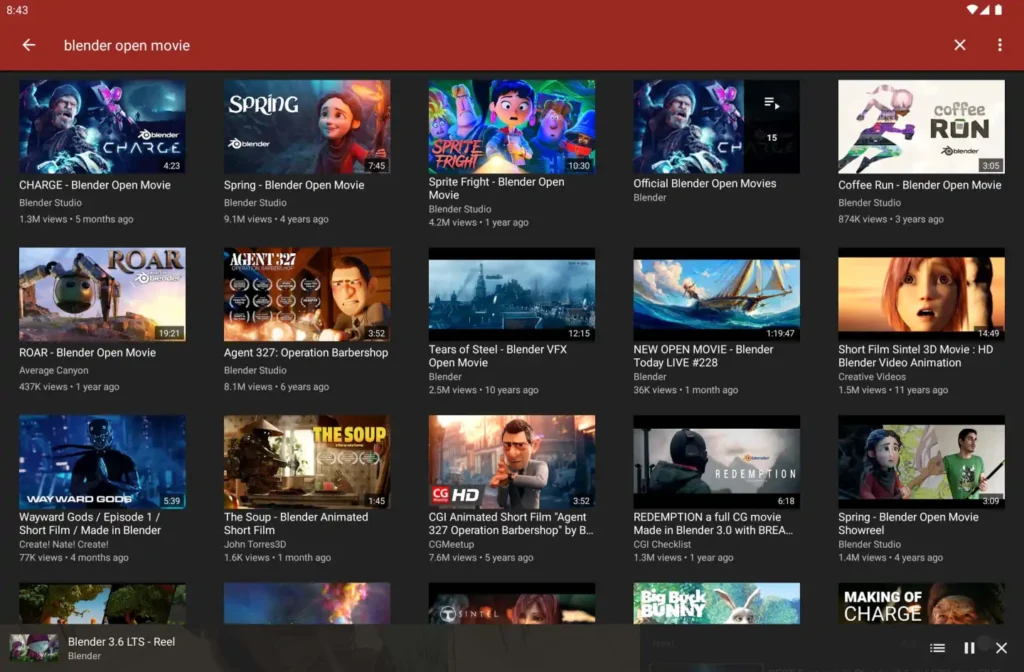
NewPipe is a free, open-source YouTube frontend for Android that’s built around one core idea: letting people watch YouTube without ads, tracking, or mandatory Google integration.
Unlike the official YouTube app, NewPipe doesn’t use Google’s proprietary APIs and doesn’t require users to sign in with a Google account. Instead, it extracts data directly from YouTube’s public-facing website. That design choice gives it a level of independence—and flexibility—that many users value, especially those concerned with privacy or tired of increasingly aggressive ads.
Over the years, NewPipe has earned a loyal following thanks to features that the official app either restricts or hides behind subscriptions:
- Ad-free playback, without pre-rolls or mid-roll interruptions
- Background playback and pop-up mode, ideal for music or podcasts
- Built-in video and audio downloads, including audio-only formats
- No Google account required, minimizing tracking and data collection
- Lightweight performance, even on older or low-end Android devices
Because it’s not distributed through the Google Play Store, NewPipe is usually installed via F-Droid or direct APK downloads from GitHub. That independence is part of its appeal—but it also means users are more exposed to the consequences when YouTube changes how its platform works behind the scenes.
The Recent Problem: “Content Not Available” Everywhere
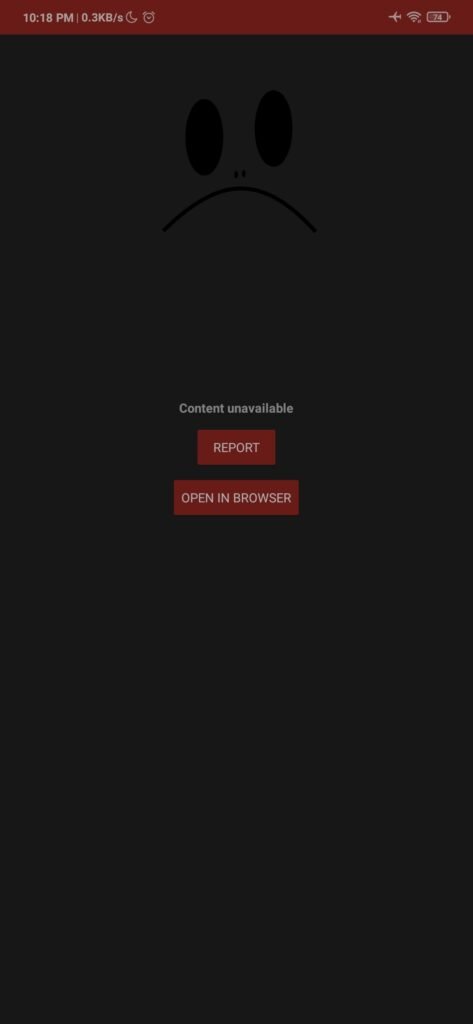
The issue itself is deceptively simple. Users open NewPipe, browse normally, tap on a video—and instead of playback, they see an error message stating that the content is unavailable.
Search results still appear. Thumbnails load. Channels and subscriptions look fine. But when it comes time to actually play a video, NewPipe fails. In some cases, the app retries several times. In others, it simply gives up.
On Reddit’s r/NewPipe subreddit, one user summed it up bluntly:
“It shows this message in almost every video, even the ones that I started watching some days ago. There is also no option to report this bug and the only button that appears is ‘open in browser’.”
Others chimed in with similar experiences—music playlists skipping tracks, videos loading intermittently, or the app failing completely after multiple retries. Temporary workarounds, like reopening a video several times or switching networks, worked for a few users at first, but by late January, most reported that nothing helped.
When Did This Start?
Reports began to spike in mid-to-late January 2026, shortly after NewPipe version 0.28.1 rolled out. While that release included improvements to the app’s extraction logic, YouTube appears to have made backend changes around the same time that broke compatibility.
At first, the problem seemed inconsistent. Some users on older installs were unaffected, while others saw failures immediately. But as caches refreshed and sessions expired, the issue became widespread—affecting most users regardless of device or Android version.

This isn’t unusual for NewPipe. Because it relies on reverse-engineering YouTube’s site, even small changes to how video streams are served can cause extraction failures. YouTube regularly tweaks its systems, often in response to ad-blocking or third-party access, and open-source projects like NewPipe are forced to adapt after the fact.
As one Reddit commenter dryly put it:
“Don’t worry—we go through this every few months because YouTube is being a pain. The devs usually fix it pretty quickly.”
Community Reaction: Frustration, Then Familiar Acceptance
The initial reaction was frustration—bordering on panic for some users who assumed the worst. Threads popped up across Reddit and GitHub with titles asking whether NewPipe was “finally dead” or permanently blocked.
Speculation spread quickly. Some blamed YouTube cracking down harder on third-party clients. Others suspected regional throttling or account-based restrictions. A few users tried rolling back to older versions like 0.27.x, while others experimented with VPNs or alternative frontends such as LibreTube.
GitHub told a more constructive story. Issue reports poured in, often with detailed logs and reproducible steps. The NewPipe developers acknowledged the problem early and pointed to YouTube-side changes as the cause. Contributors began testing fixes almost immediately.
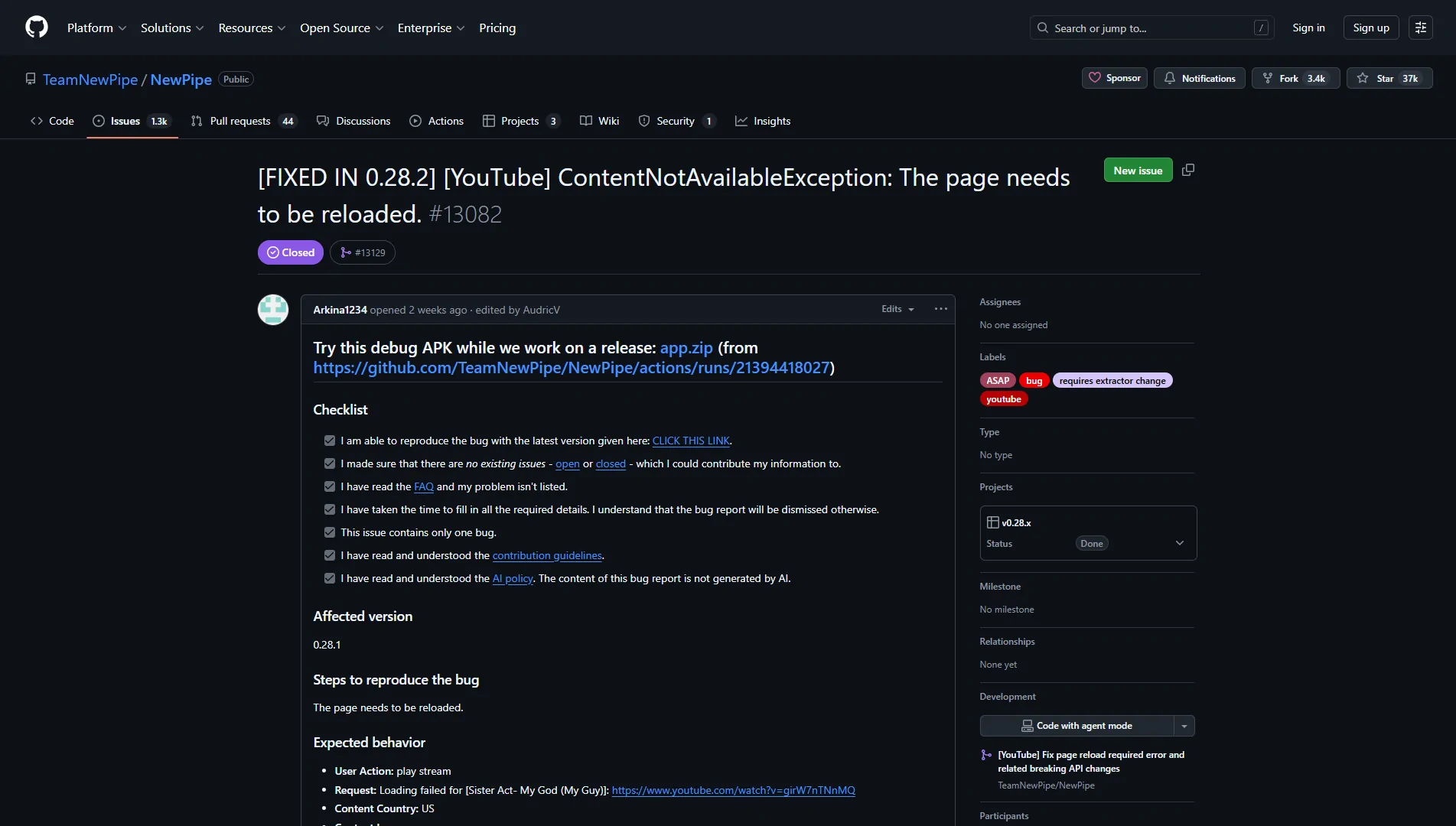
By the time an official patch arrived, the tone in the community shifted. Complaint threads gave way to confirmation posts: updates worked, videos played again, and playlists behaved normally.
The Official Fix: NewPipe Version 0.28.2
On January 28, 2026, the NewPipe team released version 0.28.2, specifically addressing the widespread playback failures.
According to the release notes, the update patched the YouTube extractor responsible for retrieving video streams, resolving the “Content not available” errors introduced by recent backend changes. It also fixed regressions related to version 0.28.1 and improved error handling to help diagnose similar problems in the future.
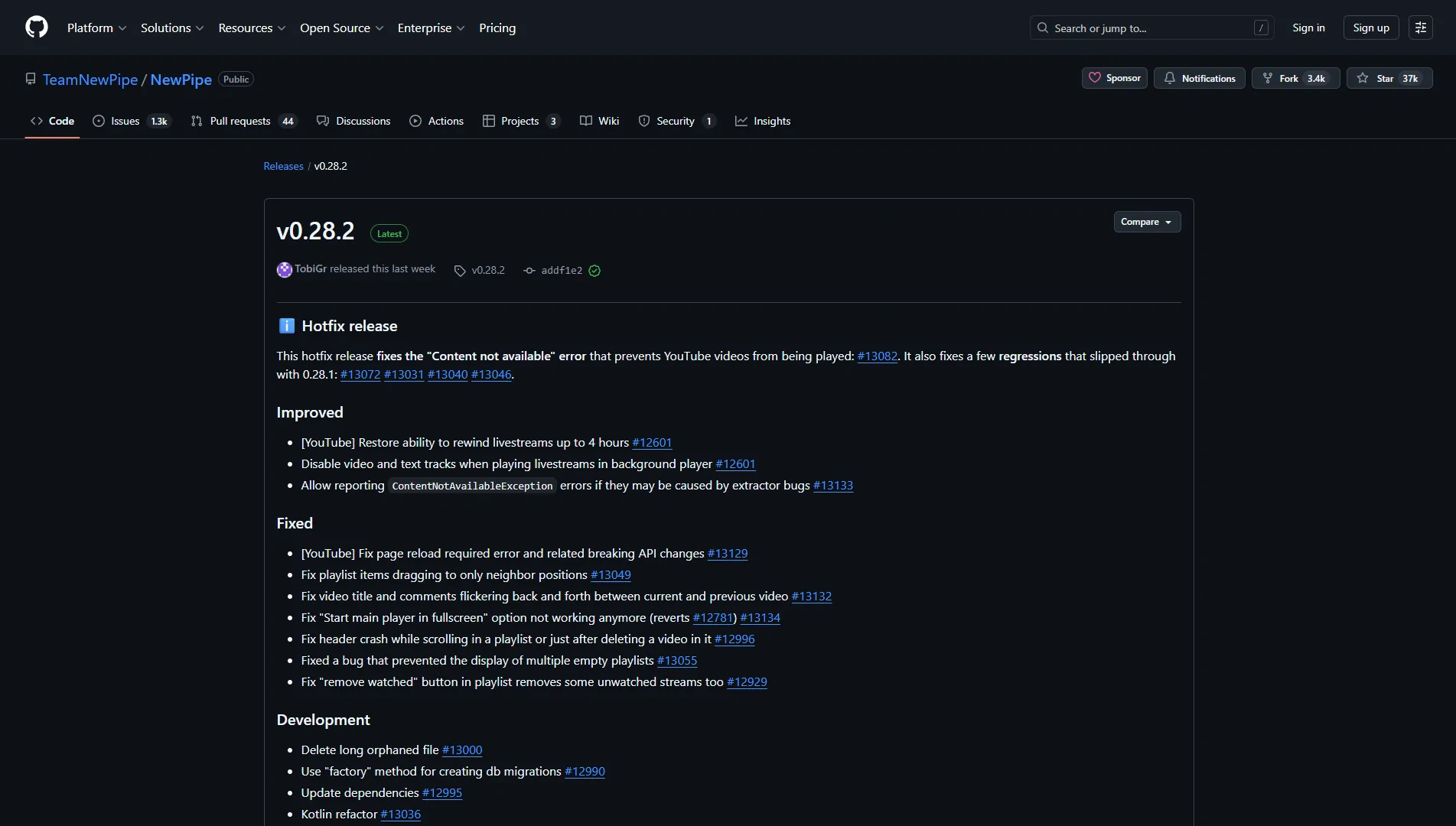
Crucially, because this fix operates at the extraction level, it doesn’t require any changes from YouTube itself—and it can’t be blocked retroactively through server-side tweaks.
For most users, simply updating to version 0.28.2 restores full functionality.
How to Fix It: Updating NewPipe
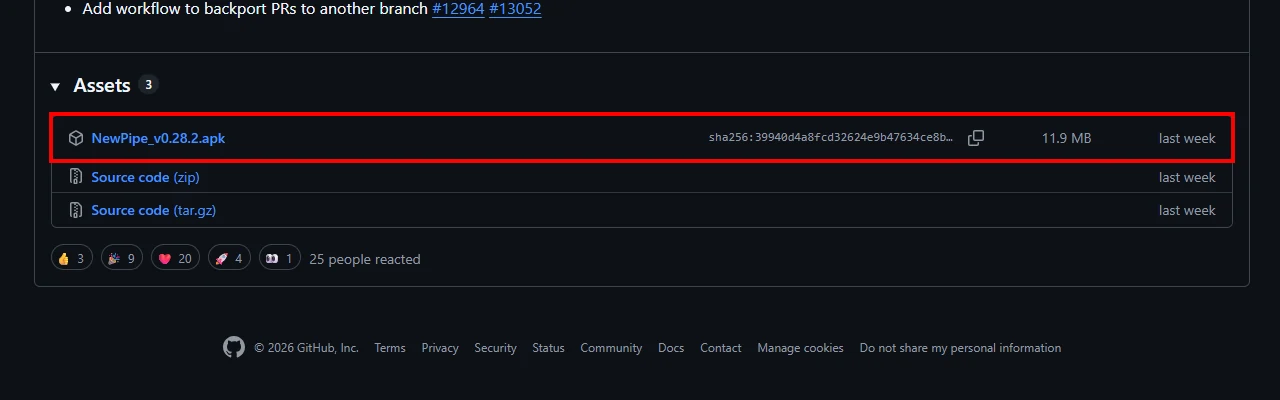
If NewPipe still isn’t loading videos on your device, the solution is straightforward:
- Check your installed version
Open NewPipe → Settings → About. If your version is older than 0.28.2, you need to update. - Download the latest release
The safest option is the official GitHub releases page (TeamNewPipe/NewPipe). The latest APK is listed under “Assets.”
Alternatively, you can download directly from NewPipe’s website or update via F-Droid using the official NewPipe repository. - Install the update
Open the downloaded APK and approve installation if prompted. Google Play Protect warnings can safely be dismissed—NewPipe is a well-established open-source project. - Clear cache if needed
If playback still fails after updating, clearing the app cache (or data, as a last resort) usually resolves lingering issues. - Test playback
Open any video. Playback should now work normally, including background play and downloads.
Conclusion
The recent NewPipe outage was inconvenient—but not unexpected. It’s a reminder of the constant tug-of-war between open-source clients and a platform as large and frequently changing as YouTube.
What matters is how quickly issues are addressed, and once again, NewPipe’s developers delivered. With version 0.28.2 now widely available, the “Content not available” error is effectively resolved for most users.
For anyone who values ad-free viewing, privacy, and control over their media experience, NewPipe remains one of the strongest YouTube alternatives on Android. And if history is any indication, this won’t be the last bump in the road—but it also won’t be the end of the app.