
Dealing with uneven blacks on your budget TV? Learn what backlight bleed is, why it happens in affordable QLED models, and simple fixes to minimize it without returning your set.
You finally scored that killer deal on a big-screen TV—a 55-inch or larger QLED for under $300—and you’re excited to fire it up for movie night. But when the lights go down and a dark scene hits, you notice it: cloudy patches or glowing edges where there should be inky blacks. It’s not dead pixels or a cracked screen; it’s backlight bleed, a common quirk in many modern LED TVs, especially the budget ones that seem too good to be true.
The good news? Backlight bleed isn’t always a deal-breaker. It’s often more noticeable out of the box in a pitch-black room, and for many users, it’s something you can live with—or even improve—through simple tweaks and a bit of time. In this guide, we’ll break down what causes it, why it’s so prevalent in today’s affordable big-screen TVs, and whether it might fade on its own. If you’ve just unboxed a bargain set and you’re second-guessing your purchase, stick around—these tips could save you a trip back to the store.
What Is Backlight Bleed and Why Does It Happen?
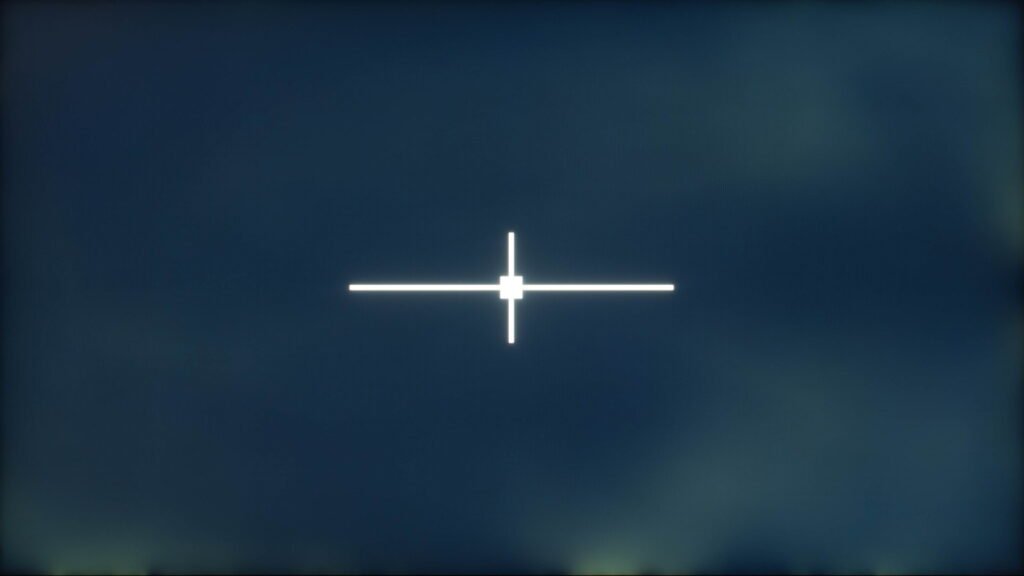
Backlight bleed (sometimes called clouding or flashlighting) occurs when light from the TV’s backlight leaks unevenly through the LCD panel, creating brighter patches or halos, especially around the edges or corners. It’s most visible in dark scenes or on a completely black screen—like during credits or letterboxed movies—where those areas should appear uniformly black but instead look grayish or glowing.
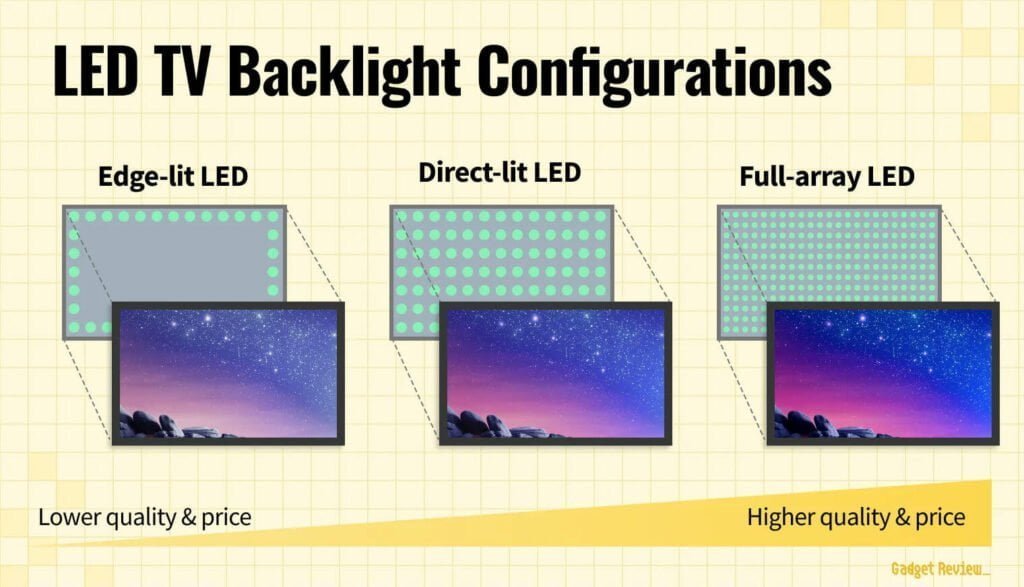
Unlike OLED TVs, which light each pixel individually for perfect blacks, most affordable TVs use LED backlighting behind an LCD layer. There are a few common configurations:
- Edge-lit: LEDs are placed only along the edges, making the TV slimmer and cheaper but prone to uneven lighting and prominent bleed around the borders.
- Full-array (or direct-lit): LEDs are spread across the entire back of the panel for better uniformity. However, in budget models without local dimming (the ability to turn off zones independently), the whole backlight stays on at a consistent level, which can still lead to leakage.
- Mini-LED: A step up with thousands of tiny LEDs and precise local dimming zones—this dramatically reduces bleed but adds significant cost, so it’s rare in sub-$400 sets.
Backlight bleed is more frequent in economical TVs because manufacturers cut costs on panel assembly. Thinner bezels and tighter tolerances in modern designs can put extra pressure on the layers, causing light to seep through. Manufacturing variances play a big role too: not every panel comes out perfectly uniform, and looser quality control in budget lines lets more imperfect units slip through. Mishandling during shipping (like stacking heavy boxes) can exacerbate it, though that’s less common.
For example, some budget full-array models—like certain Hisense series—skip local dimming to hit low price points, making bleed more noticeable in dark content despite the more even LED placement.
Can Backlight Bleed Go Away on Its Own?
In some cases, yes—backlight bleed can lessen or even become imperceptible over time as the panel «settles» with use. This isn’t a guaranteed fix, and it depends heavily on the root cause (e.g., minor assembly pressure vs. a true defect), but plenty of users report improvement after weeks or months of regular viewing.
The theory is that heat from normal operation and the natural expansion/contraction of materials can relieve minor stresses in the panel layers, reducing light leakage. One Reddit thread from years ago still gets referenced for this: a user documented their monitor’s bleed fading significantly, and commenters shared similar experiences. Here’s the link for the full discussion:
In my own experience with a curved Asus ROG gaming monitor, the bleed was quite noticeable on day one, especially in the corners during dark games. Over a few months of daily use, it gradually diminished to the point where I barely notice it anymore—even in a dark room.
That said, results vary. If the bleed stems from a permanent manufacturing flaw, it won’t improve much. Severe cases often stay put, which is why panel lottery complaints are common in budget TV forums. Give a new set a couple hundred hours of mixed content (not just black screens) before panicking; many owners find it becomes a non-issue.
Why Backlight Bleed Shows Up More in New, Cheap TVs
Budget TVs have never been bigger or more feature-packed, but those rock-bottom prices come with trade-offs. A 55-inch or 65-inch QLED for $250–$350 sounds amazing—especially when a new console costs twice that—but it should raise eyebrows. To hit those numbers in an inflationary market, brands like Hisense, TCL, and even Samsung’s entry lines skimp somewhere, and backlighting is a prime target.
They often opt for basic edge-lit or full-array setups without local dimming (or with very few zones), prioritizing slim designs and high peak brightness over perfect uniformity. Quality control gets dialed back too; premium TVs undergo stricter panel screening, while budget ones accept more variance. Some models add ambient light sensors to automatically lower brightness in dark rooms, partially masking bleed—but it’s a band-aid, not a cure.
Factory settings don’t help: most TVs ship with backlight cranked to max for that «wow» factor in bright store lighting, which amplifies any leakage when you get home. And while unproven, there’s persistent speculation in forums that lower-tier models reuse panels rejected from higher-end lines for not meeting strict uniformity standards.
This is especially common in large-screen budget QLEDs, where the bigger panel size magnifies imperfections. Models like the Hisense E6 series (a full-array QLED without local dimming) are praised for value but frequently called out for variable bleed—it’s essentially a panel lottery.

Ultimately, it depends on your setup and tolerance. If the TV is for a bright living room, guest bedroom, or casual streaming with lights on, ambient light makes bleed invisible. In a dedicated dark home theater? It might bug you more. These sets still deliver solid picture quality for the price; they’re just not chasing perfection.
How to Adjust Your TV Settings to Reduce Backlight Bleed
The quickest and most effective way to tone down backlight bleed doesn’t involve tools or returns—it’s tweaking your TV’s picture settings. Out of the box, most TVs are tuned for bright retail floors, with backlight and brightness pushed to the max to grab attention. That looks punchy under fluorescent lights but exaggerates any light leakage in your darker home environment.
Start simple: drop the backlight (sometimes called «OLED Light» on some brands, but «Backlight» on most LEDs) and overall brightness. This reduces the intensity of the leaking light without sacrificing too much peak brightness in HDR content. Many users find cutting backlight by 30-50% makes bleed far less distracting while keeping the picture watchable.
Other helpful tweaks:
- Switch to a calibrated picture mode: Modes like «Movie,» «Cinema,» or «Filmmaker» often lower aggressive processing and backlight by default for more accurate colors and blacks.
- Enable dynamic features: If your TV has local dimming (even basic versions), turn it on or to «High.» Dynamic contrast or black detail enhancers can help too, by boosting shadow details without amplifying bleed.
- Turn off energy-saving modes in bright rooms: But in dark viewing, an ambient light sensor (if available) can automatically dim the panel, masking imperfections.
Test changes in a completely dark room with solid black or very dark content—a paused credits screen, or better yet, dedicated uniformity test patterns. You’ll see the real impact immediately.
These adjustments won’t eliminate bleed entirely—it’s a hardware trait—but they can make it blend into the background for most viewing. If you’re still unhappy after dialing things in, professional calibration tools or apps exist, but for budget sets, the built-in menus are usually enough.
Real-World Example: Mitigating Bleed on a Hisense E6 Series TV
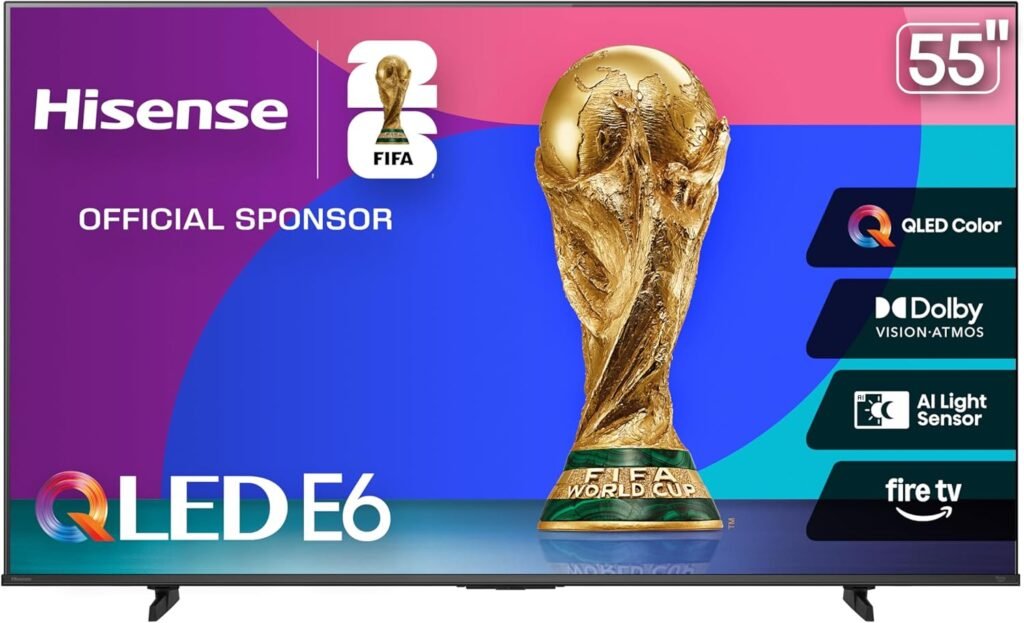
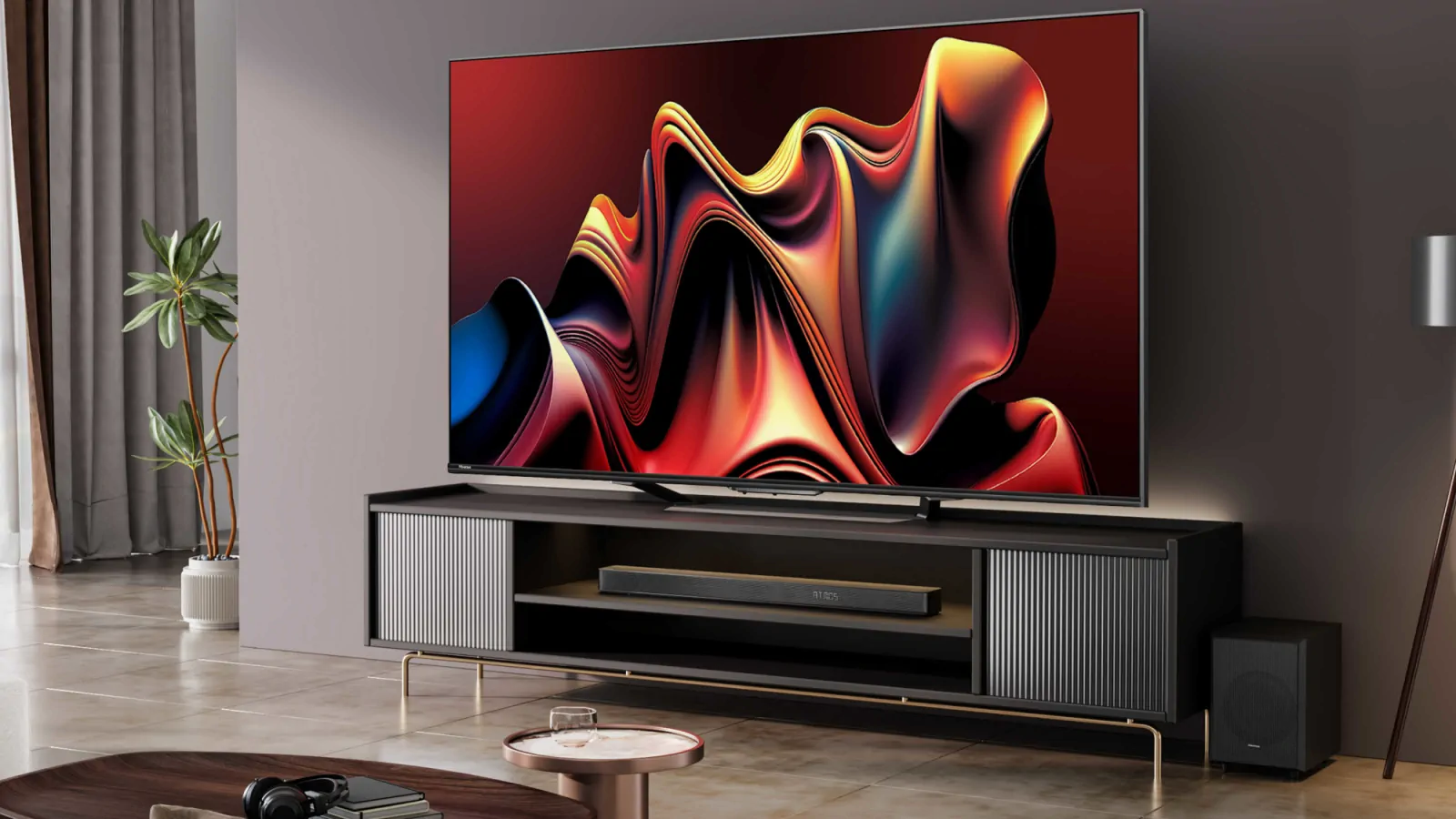
Take the Hisense E6 Cinema Series as a practical case—it’s a full-array QLED (LEDs across the back, not just edges) without true local dimming, which helps with overall brightness but leaves it vulnerable to bleed in darker scenes. It packs solid features for the price: quantum dots for vibrant colors, Dolby Vision HDR, Dolby Atmos audio, and even an ambient light sensor. Many owners love the value, but panel uniformity is hit-or-miss—some units are near-perfect, others show noticeable edge or corner glow.
The good news is that targeted settings can significantly clean things up. Here’s a starting point based on user reports and hands-on testing:
- Brightness: Set to -8 to -6. This directly combats the grayish haze in affected areas, pushing them closer to true black.
- Dynamic Backlight: High. It adjusts backlight intensity per scene, reducing overall leakage during dark moments.
- Backlight level: 60 to 65 (out of 100). Keeps things bright enough for mixed content without overdriving the LEDs.
- Contrast Dynamic: Medium or High for better shadow separation.
- Black Detail: On—to preserve details in dark areas without washing out.
- Ambient Light Sensor: Optional—enable it for auto-adjustments based on room light (great for daytime), but disable in a dedicated dark setup if it dims too aggressively.
To test: Pull up a 4K Dolby Vision demo clip on YouTube, like this one showcasing deep shadows and space scenes:
Pause on black transitions or night shots—you should see more uniform blacks and deeper contrast after these tweaks.
Results vary by unit, but many E6 owners report bleed becoming a minor nitpick rather than a constant distraction.
When to Replace Your TV (And When to Wait)
Backlight bleed exists on a spectrum—from subtle and tolerable to outright distracting. If it’s severe (bright clouds dominating dark scenes, visible even in normal content), check for physical damage first—no crushed box or loose screws—then consider returning or exchanging within the retailer’s window. Budget TVs often have higher defect tolerance, so a replacement might net you a better panel from the same batch.
For milder cases, patience pays. As we covered earlier, many sets improve with hours of use as layers settle. Combine that with the settings above, watch in realistic conditions (not just black-screen tests), and give it a month. Ambient room light hides a lot too—if this is a secondary TV for a bright space, it might never bother you.
At the end of the day, these affordable big-screen QLEDs deliver impressive bang-for-buck: huge size, smart features, and solid everyday performance. Backlight bleed is a common compromise in the sub-$400 category, but with tweaks and time, most buyers end up happy keepers. If perfect blacks are a must, save for mini-LED or OLED—but for casual viewing, streaming, or gaming with lights on, don’t let minor bleed sour a great deal.